'/%3e%3c!--%20Outer%20viewfinder%20brackets%20-%20thick,%20rounded%20--%3e%3cg%20fill='none'%20stroke='url(%23bracket)'%20stroke-width='10'%20stroke-linecap='round'%20stroke-linejoin='round'%3e%3c!--%20Top-left%20--%3e%3cpath%20d='M30,70%20L30,38%20Q30,30%2038,30%20L70,30'/%3e%3c!--%20Top-right%20--%3e%3cpath%20d='M130,30%20L162,30%20Q170,30%20170,38%20L170,70'/%3e%3c!--%20Bottom-left%20--%3e%3cpath%20d='M30,130%20L30,162%20Q30,170%2038,170%20L70,170'/%3e%3c!--%20Bottom-right%20--%3e%3cpath%20d='M130,170%20L162,170%20Q170,170%20170,162%20L170,130'/%3e%3c/g%3e%3c!--%20Inner%20viewfinder%20brackets%20-%20slightly%20thinner%20--%3e%3cg%20fill='none'%20stroke='url(%23bracket)'%20stroke-width='7'%20stroke-linecap='round'%20stroke-linejoin='round'%20opacity='0.7'%3e%3c!--%20Top-left%20--%3e%3cpath%20d='M60,92%20L60,68%20Q60,60%2068,60%20L92,60'/%3e%3c!--%20Top-right%20--%3e%3cpath%20d='M108,60%20L132,60%20Q140,60%20140,68%20L140,92'/%3e%3c!--%20Bottom-left%20--%3e%3cpath%20d='M60,108%20L60,132%20Q60,140%2068,140%20L92,140'/%3e%3c!--%20Bottom-right%20--%3e%3cpath%20d='M108,140%20L132,140%20Q140,140%20140,132%20L140,108'/%3e%3c/g%3e%3c!--%20Center%20dot%20/%20focus%20point%20--%3e%3ccircle%20cx='100'%20cy='100'%20r='5'%20fill='url(%23bracket)'%20opacity='0.5'/%3e%3c/svg%3e)

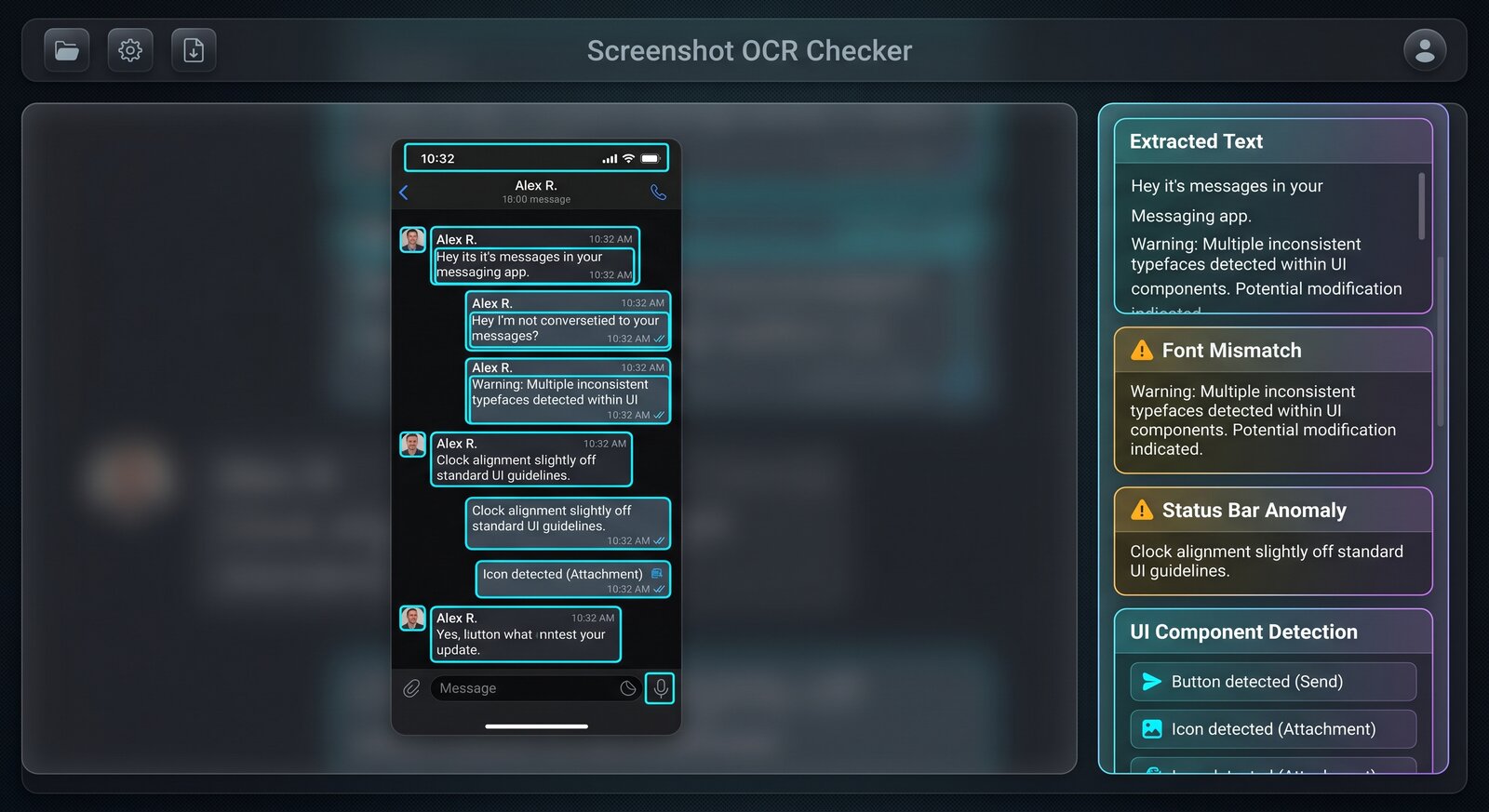
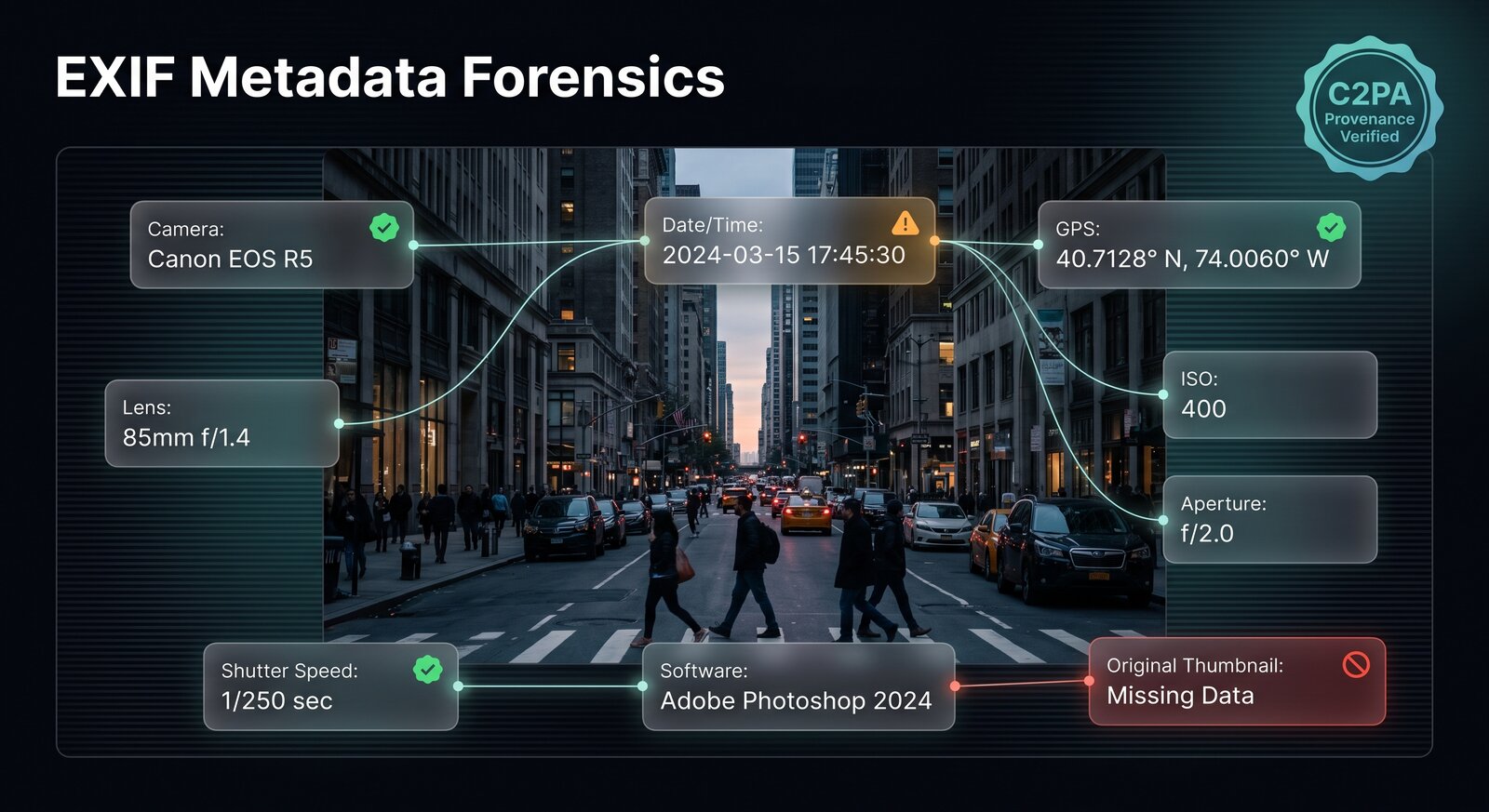
Product illustration, not scan evidence
Suspicious photo: inspect, then find source.
Useful when a viral photo, marketplace listing, or profile image feels wrong.
- Upload highest-resolution source available, not a screenshot when original file exists.
- Read evidence for and against AI. Check whether reasons point to specific visible regions.
- Review parsed metadata separately. Missing EXIF is common and does not prove generation.
- Run reverse image search and find earliest credible publication.
- Ask source for original file or additional photos before making consequential decisions.
Best outcome: a short list of claims to verify, not a binary accusation.
Check a suspicious photo →